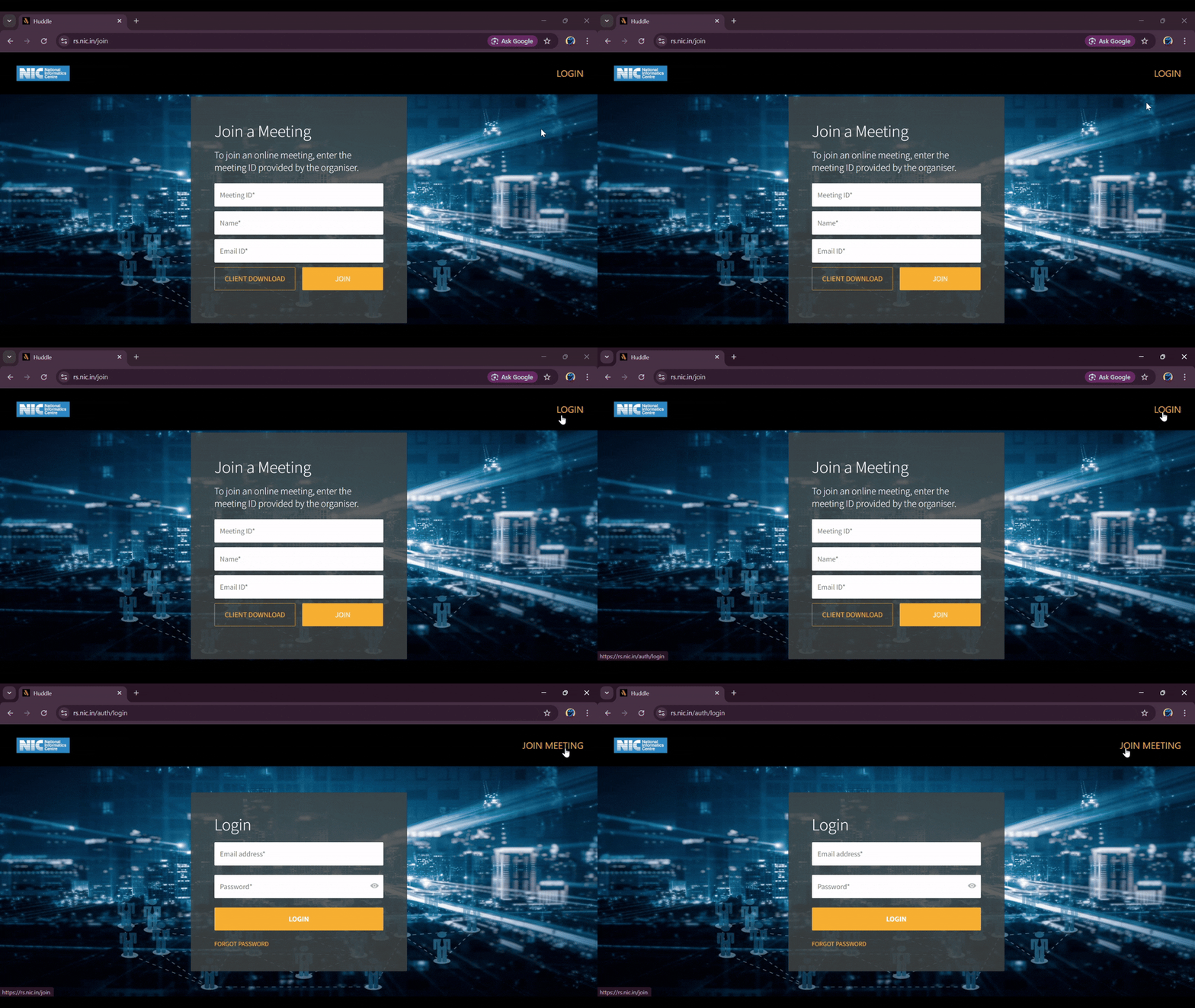
A. Login to Meeting Interface
Go to URL and Download Client
Go to the URL Huddle https://rs.nic.in/joinand first Download the client.

Click Login
Click on the Login option located in the top-right corner of the page.
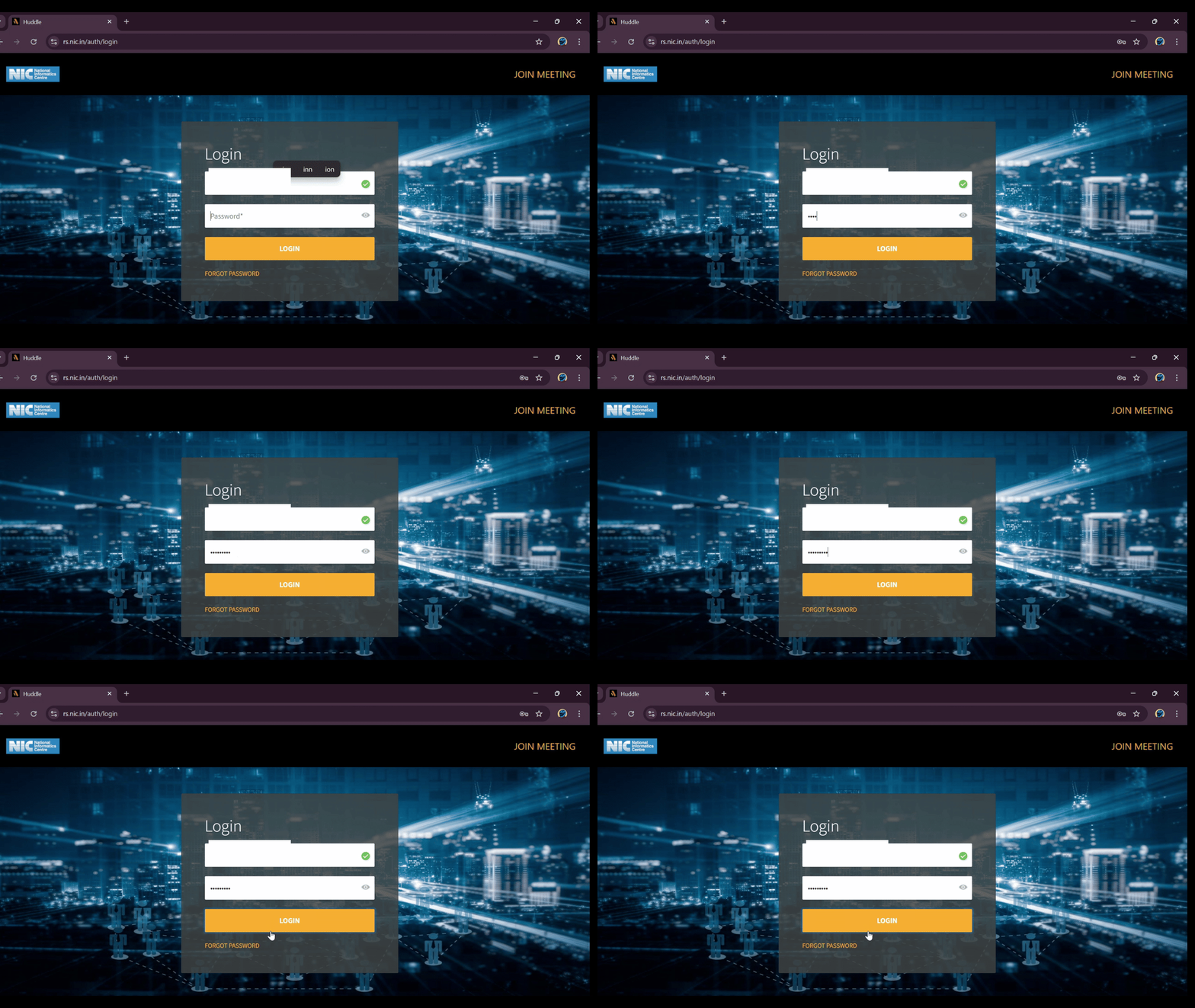
Enter Credentials
Enter your credentials, i.e., 'E-mail ID' and 'Password', in the login dialog.
B. Create Remote Support Meeting
Click Start Meeting
Once logged in, click on the 'Start Meeting' icon to create a meeting.
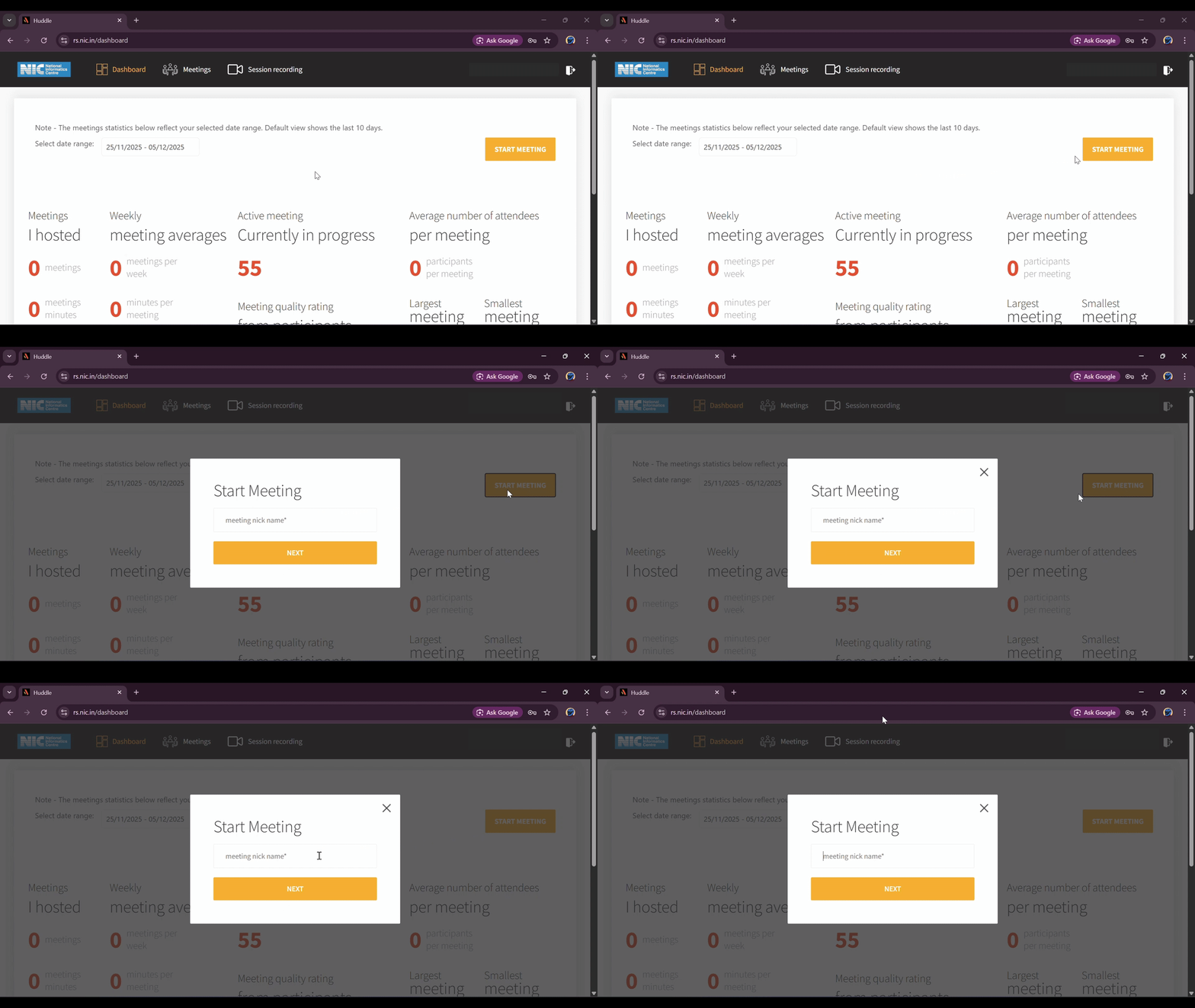
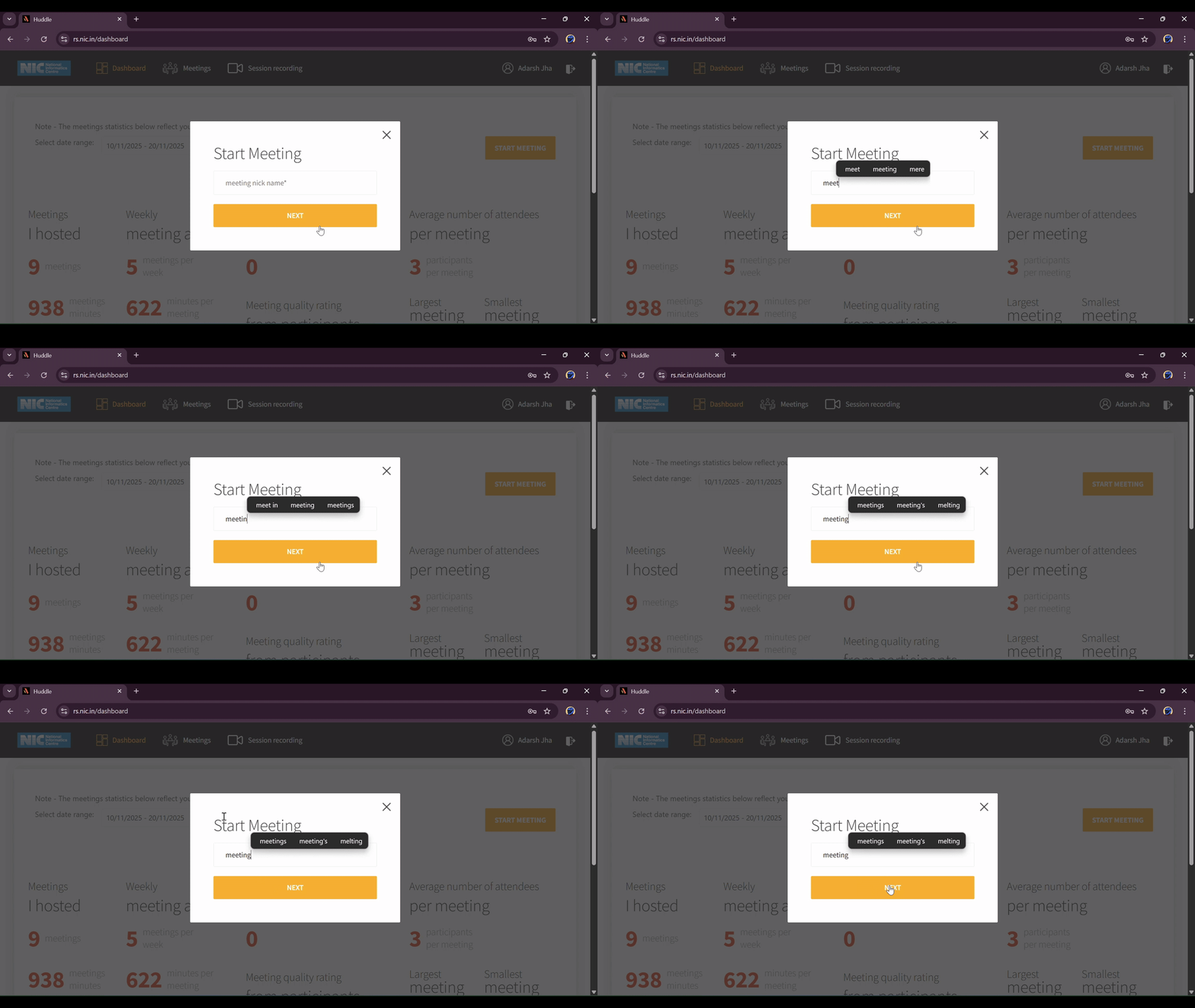
Enter Meeting Title
Enter the desired 'Meeting title' (e.g., 'Meeting with Nic') in the pop-up window.
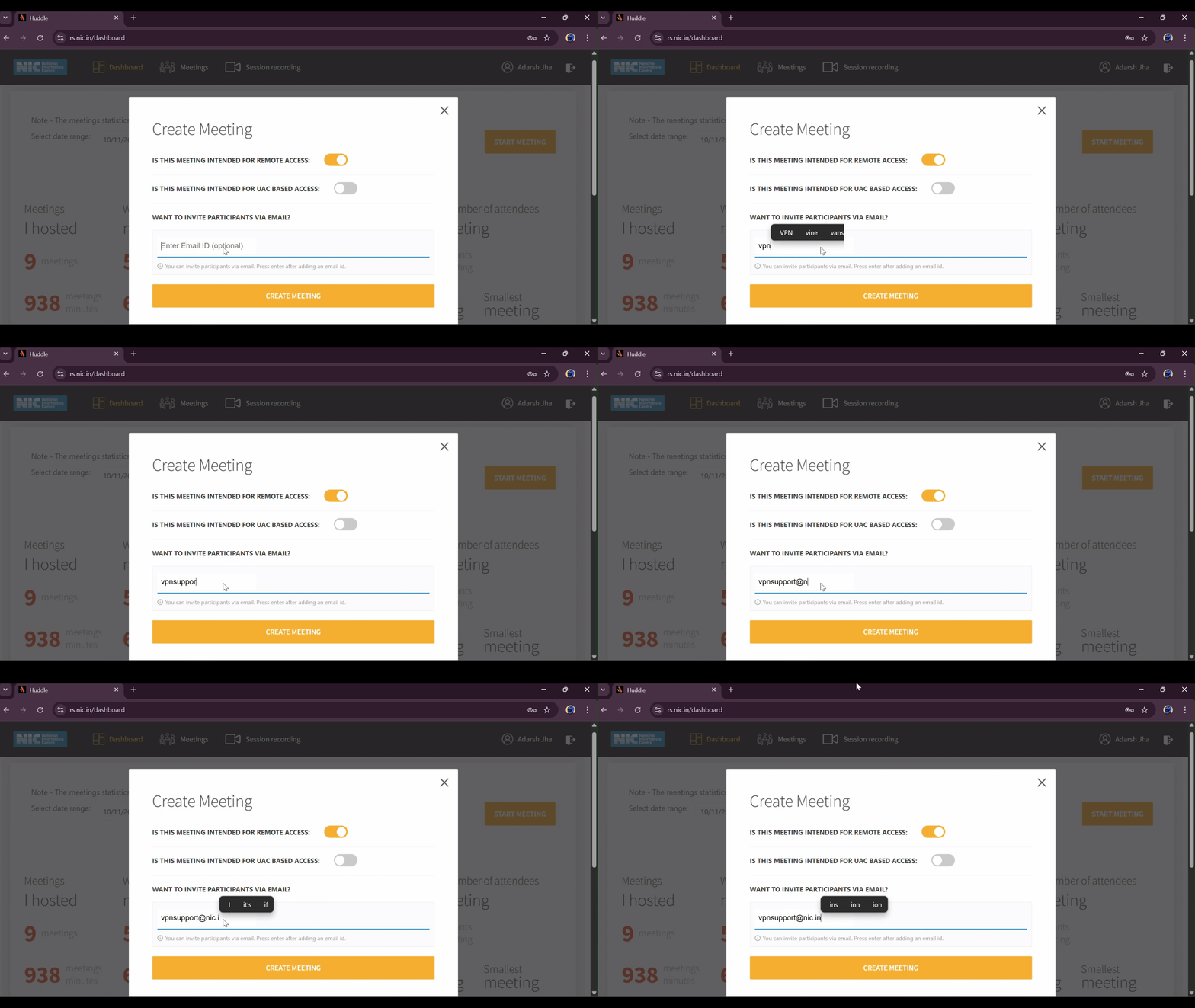
Invite Participants
Enter the 'e-mail ID' of the invitees and click on 'Create Meeting'.
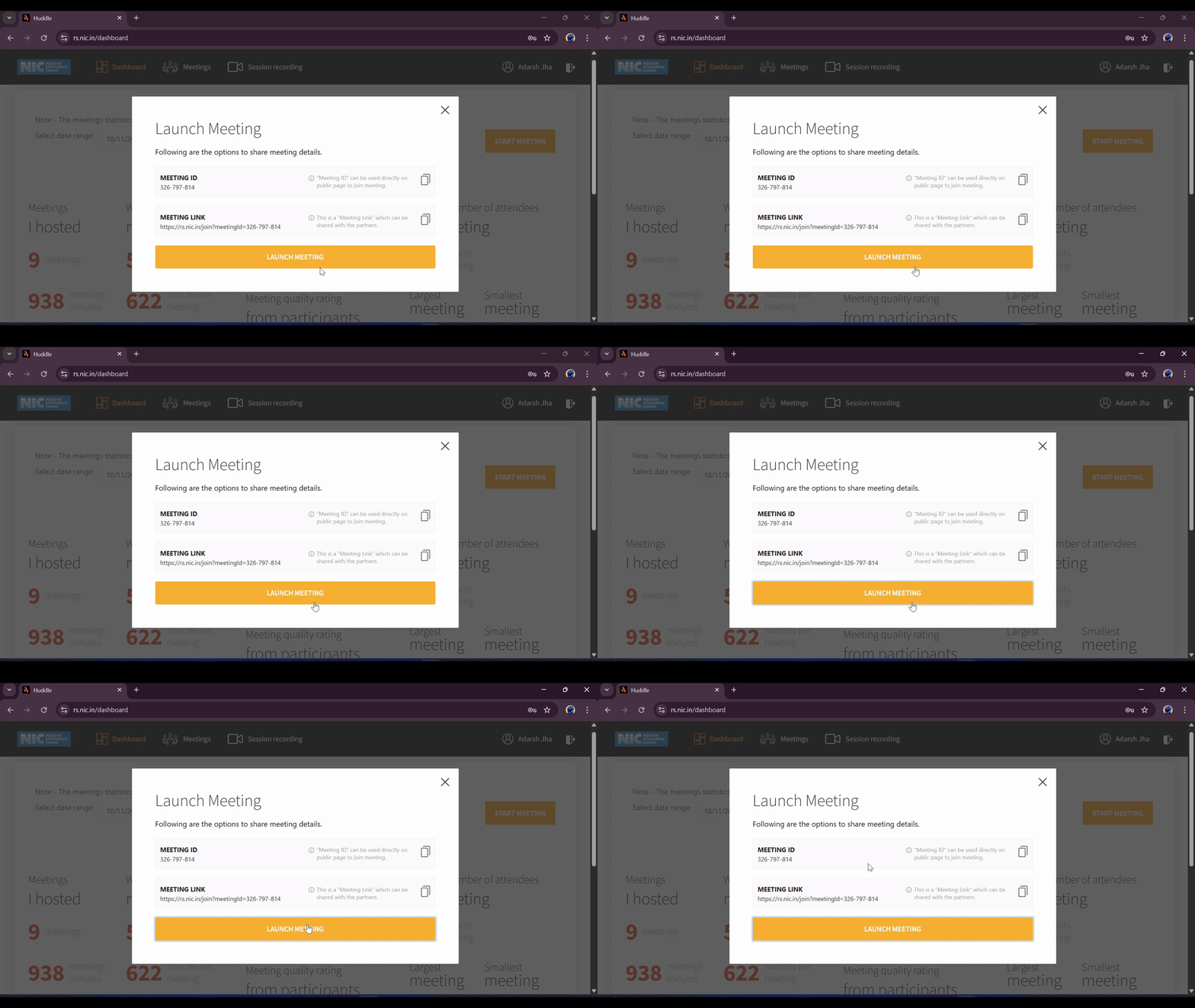
Launch Meeting
In the "Launch Meeting" window, click 'Launch meeting' to start the meeting. (Note: Ensure the client has been already downloaded).