1. Error Message Details
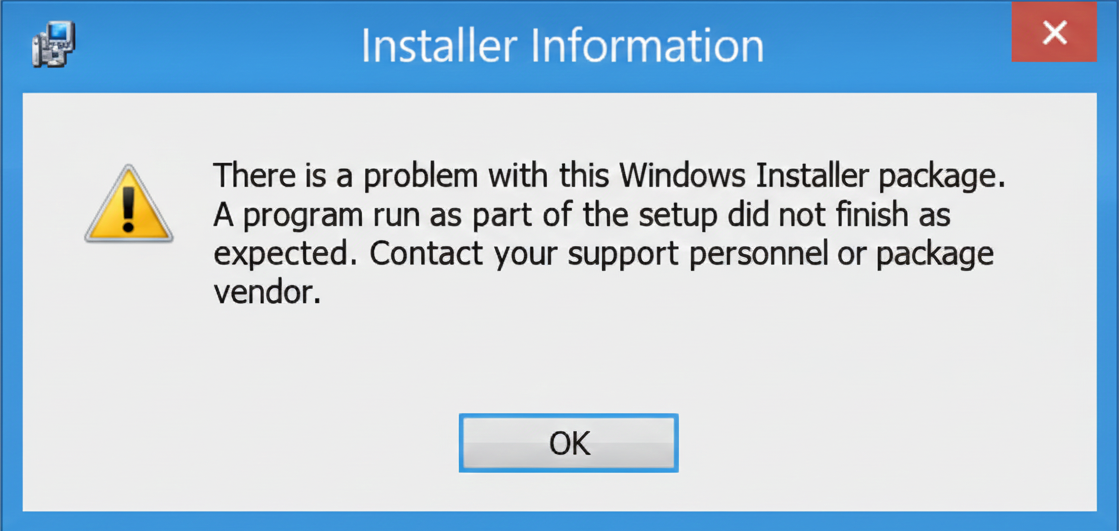
Installer Information Dialog
The error dialog box displays the message: "There is a problem with this Windows Installer package. A program run as part of the setup did not finish as expected. Contact your support personnel or package vendor."
2. Windows 7 Resolution (Deprecated)
Upgrade Recommendation
Windows 7 has been declared 'end of support' by Microsoft since January 14, 2020. It is 'strongly recommended' to upgrade to Windows 10 as soon as possible due to security vulnerabilities.
Interim Update and Reinstall
If an upgrade is not immediately possible, update the operating system using the 'Windows Update' option until no further updates are available. Then, retry installing the 'Cisco AnyConnect SMC client' from the Software menu of https://vpn.nic.in.
3. Windows 10 Resolution
Update OS and Retry Installation
Update the operating system using the 'Windows Update' option until no further updates are available. Then, retry installing the 'Cisco AnyConnect SMC client' from the Software menu of https://vpn.nic.in.
Use Purge Tool (If Step 1 Fails)
If the client does not install after a complete OS update, download the cleanup tool: https://vpn.nic.in/purge.exe.
Run Command Prompt as Administrator
Type 'cmd' after pressing the 'Windows Start' button, right-click on 'Command Prompt', and click on 'Run as administrator'.
Navigate to Download Folder
Type the following command and press Enter (assuming the file is in Downloads):
cd %userprofile%\Downloads
If the file was downloaded to a different directory, navigate to that directory instead.
Execute Purge Tool
Type the following command at the command prompt and press Enter:
purge.exe -confirmdelete
Reinstall Cisco AnyConnect SMC
Now, try installing the 'Cisco AnyConnect SMC client' again from the Software menu of https://vpn.nic.in.
Manual NAM Update (Optional)
Users already utilizing 'NAM' (Network Access Manager / WiFi module) can manually install/update it from https://vpn.nic.in/nam.exe.